

Some attackers do not put in the effort to hack devices and just ask you to do it for them. One increasingly common method: fake CAPTCHA pages, often styled to look like Cloudflare's "are you a human" check, that instruct visitors to open Terminal, paste in a command, and press Return. Because you execute the command yourself, macOS's security protections don't intervene. Malwarebytes documented a macOS infostealer called Infiniti Stealer that spreads this way, targeting Keychain passwords, browser credentials, and cryptocurrency wallets.
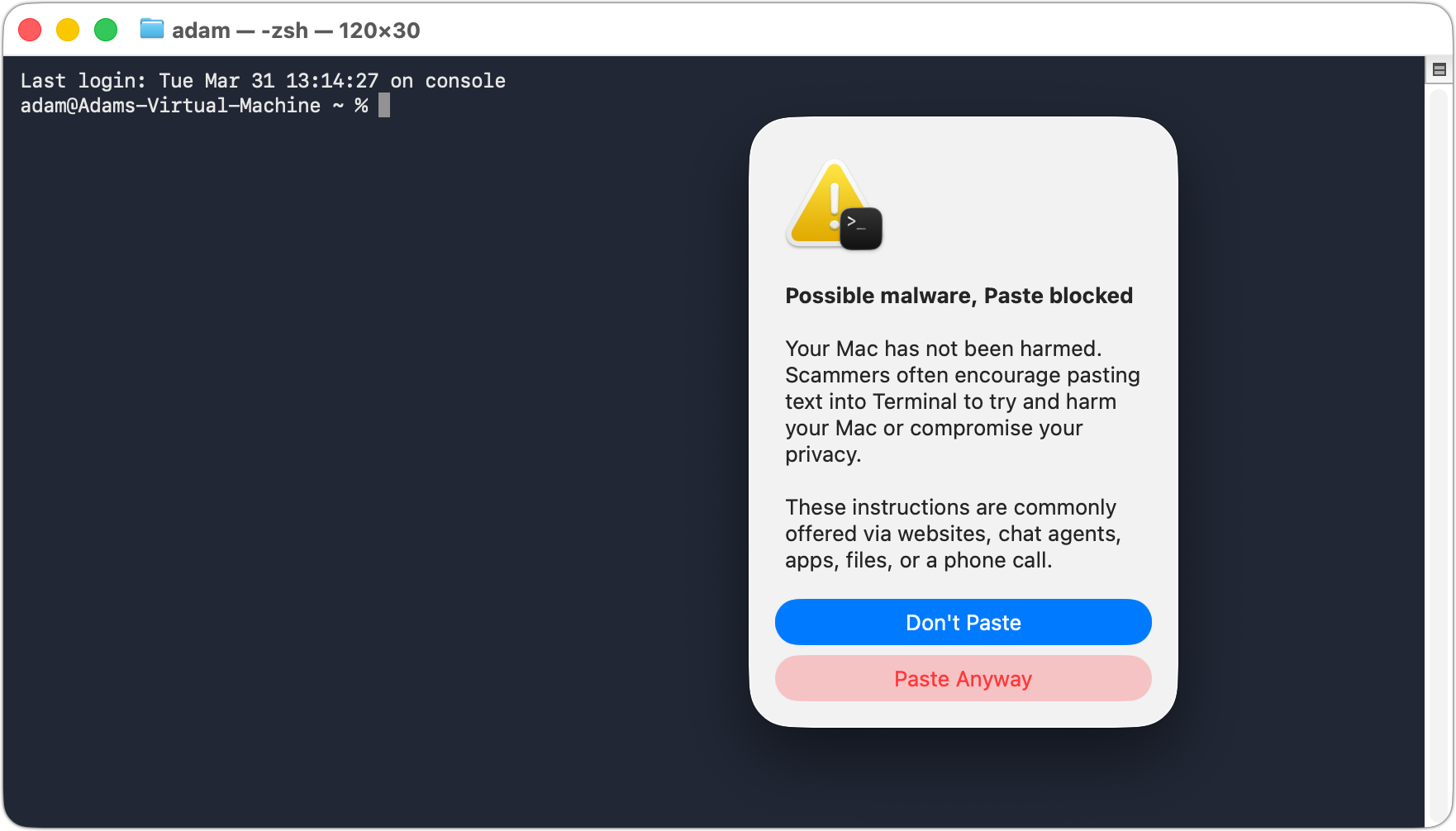
Apple has addressed this issue in the upcoming macOS 26 Tahoe, which includes a warning when users paste potentially dangerous commands from Safari into Terminal. However, early testing shows it has limitations: the warning appears only once, and if the initial paste is allowed, Terminal does not provide additional commands. While this is progress, it should not be considered a comprehensive safeguard.
The fundamental rule remains: do not paste commands from websites into Terminal unless you fully understand their function. Legitimate CAPTCHA pages will never instruct you to open Terminal.
(Featured image by iStock.com/thomaguery)
_______________________________________________
Need help? Contact The MacGuys+ at 763-331-6227
Top-notch IT support for Mac-based businesses in Minneapolis, St. Paul, Twin Cities Metro, Western WI, and beyond. Enjoy seamless nationwide co-managed Mac IT support for a flexible work-anywhere experience.





