

The standard advice for staying safe online includes avoiding attachments from unknown senders or anything that looks suspicious. It’s sound guidance. PDFs and Office documents can contain JavaScript or macros that pose security risks, and some are crafted specifically to exploit vulnerabilities in common apps.
The problem is that in practice, it’s not always obvious whether an attachment is safe. If you could just look at it, you might be able to tell, but opening it is the risk. That’s the problem Dangerzone was built to solve. It’s a free, open-source app created by the Freedom of the Press Foundation, originally developed for journalists who regularly receive documents from potentially untrustworthy sources.
Dangerzone doesn’t analyze a document for threats or tell you whether it’s safe. Instead, it converts the document into a clean PDF containing nothing but a visual representation of the original pages, essentially a pixel-level copy with no underlying code, macros, or embedded content. Think of it as a virtual photocopier.
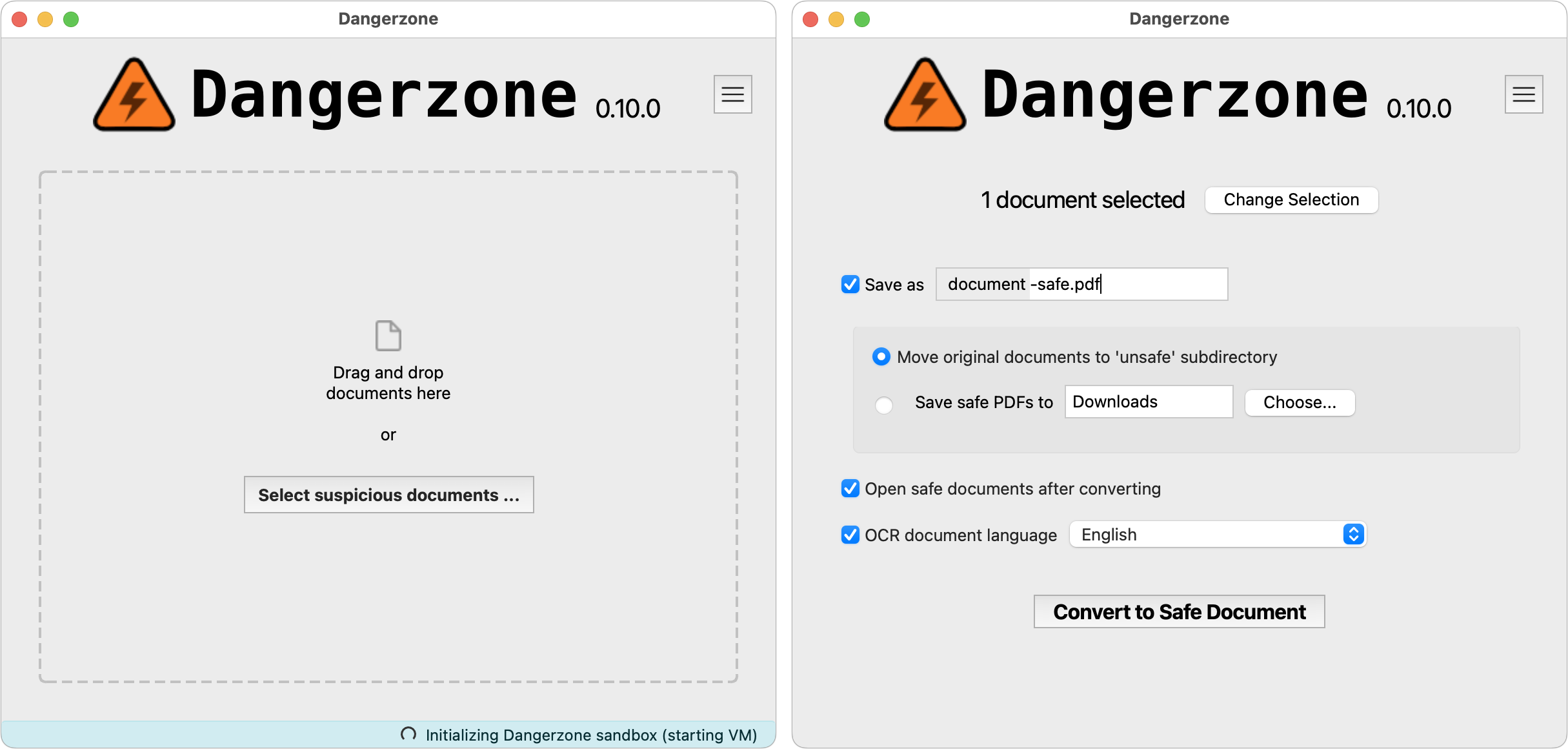
The process is more sophisticated than it sounds. When you drop a document onto Dangerzone, it creates an isolated Linux container to keep the file away from your Mac, then opens a sandbox within that container to protect the Linux kernel itself. From there, it uses open-source tools to convert the document to a PDF, split it into individual pages, and convert each page to raw pixel data. Once that’s done, it compiles the result into a compressed, searchable PDF and archives the original. Each file or batch is processed in a fresh environment to prevent any cross-contamination.
Dangerzone can convert the following file types into safe PDFs:
- PDF (.pdf)
- Microsoft Word (.docx, .doc)
- Microsoft Excel (.xlsx, .xls)
- Microsoft PowerPoint (.pptx, .ppt)
- ODF Text (.odt)
- ODF Spreadsheet (.ods)
- ODF Presentation (.odp)
- ODF Graphics (.odg)
- EPUB (.epub)
- JPEG (.jpg, .jpeg)
- GIF (.gif)
- PNG (.png)
- SVG (.svg)
- TIFF (.tif, .tiff)
- Other image formats (.bmp, .pnm, .pbm, .ppm)
You don’t need to run every attachment through it. If a document comes from someone you know in a context that makes sense, there’s no reason to bother. But if something arrives unexpectedly and gives you pause, Dangerzone is a practical way to review it without taking on any risk.
(Featured image by iStock.com/shironosov)





